 Zazi iZandi
From sounds to words, at each child’s level
The curriculum, in an Education Assistant’s hands. The app assesses each child, groups children by level and shows what to teach today, with or without a signal.


For Education Assistants in partner literacy programmes. Accounts are created by programme administrators.
Available in South Africa.
- 13,000+
- lessons recorded in the app since August 2026to 8 Oct 2026
- 9,000+
- one-minute letter assessments, each one timed on the phoneto 9 Oct 2026
- About200
- Education Assistants using it in their classroomsin Oct 2026
Source: Zazi iZandi app records, Masinyusane only.
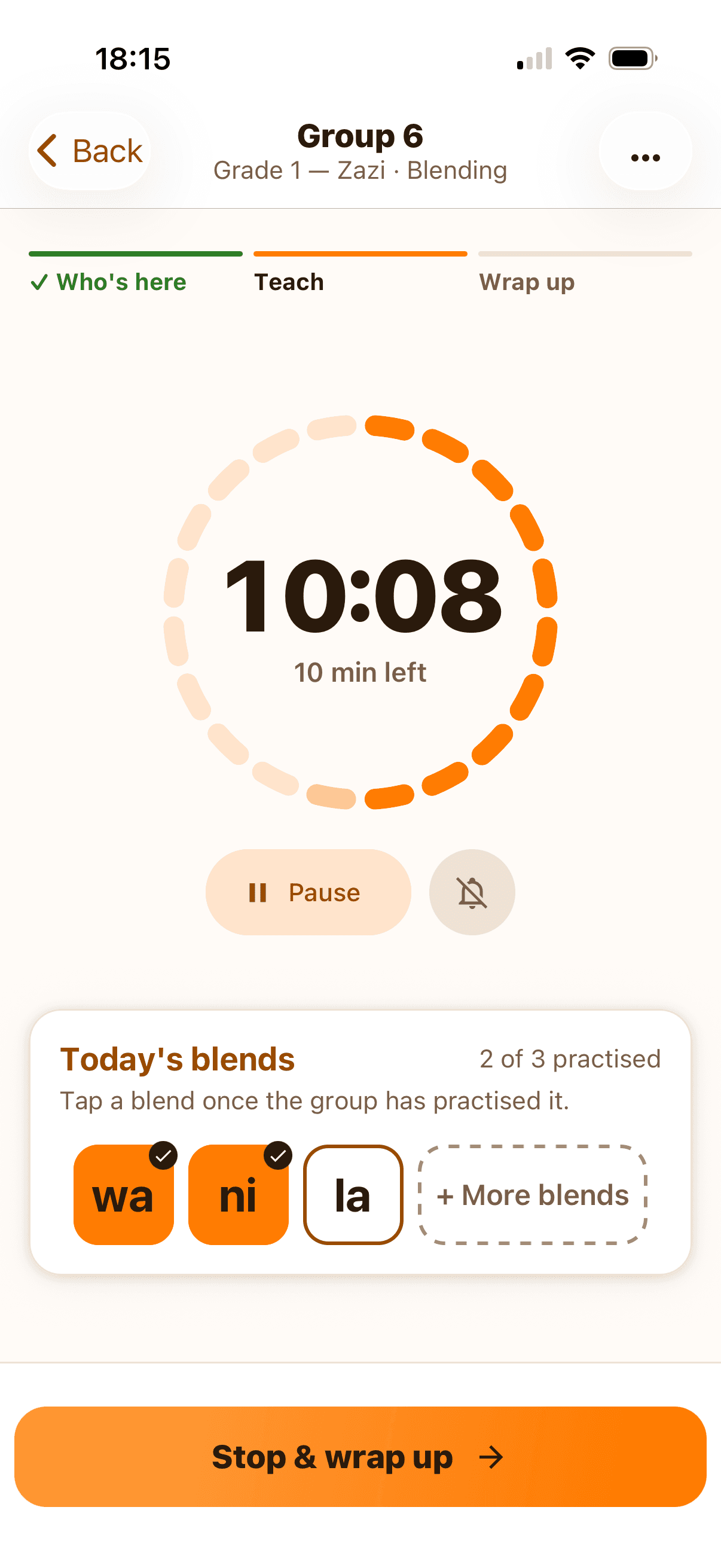
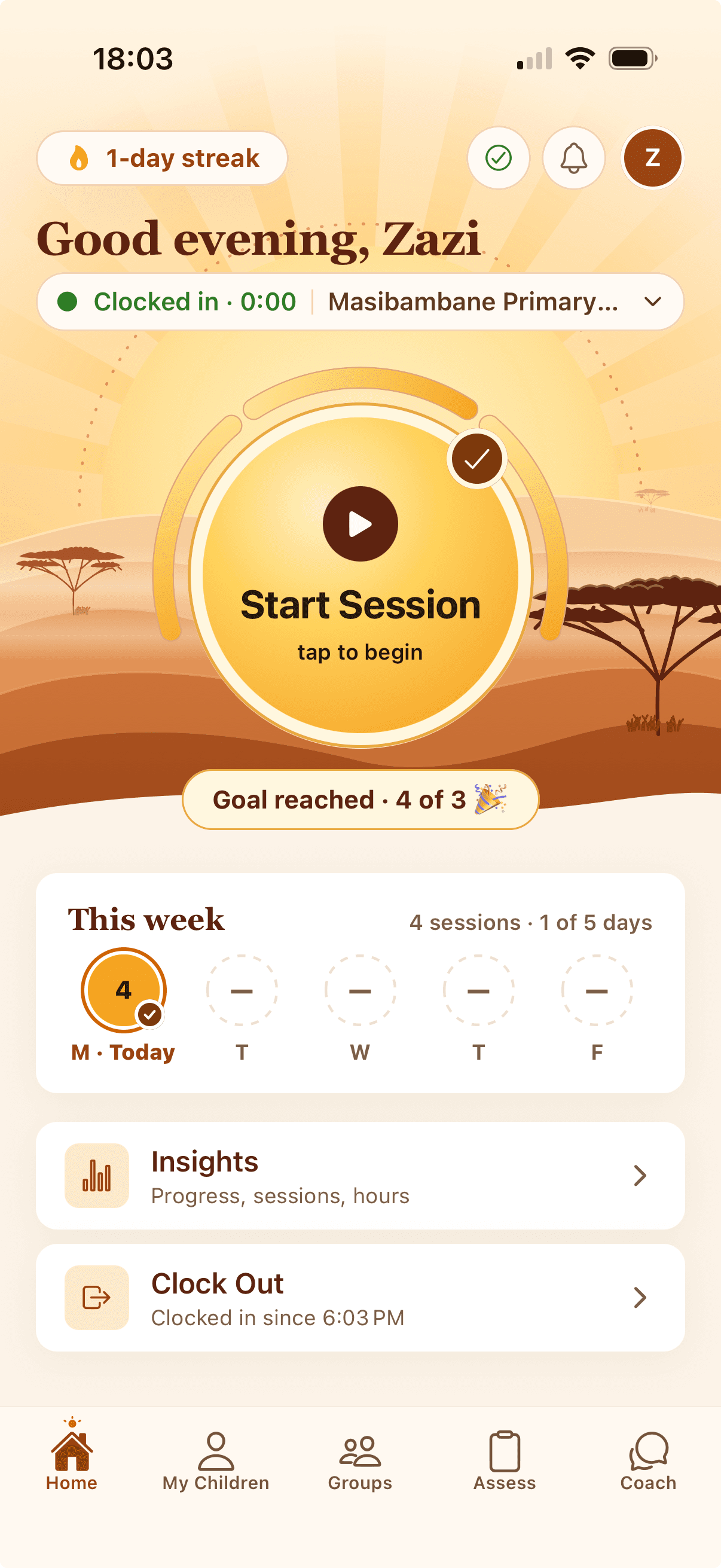
Real screens from a demo account. The children’s names are made up.
Why we built it
What if nobody had to memorise the curriculum?
For years Masinyusane has created jobs for young people from our community as Education Assistants (EAs) in preschools and schools. It works, and it has spread across the country.
Training was always the hard part. People forget most of what a workshop covers within weeks, so we ran refresher training every term and sent mentors from school to school to check quality and re-teach on the spot. Training the mentors took as much energy again. None of it scales.
It also pulled our hiring the wrong way. Teams chasing child-level targets hired people who could hold a curriculum in their heads, when the young people we most wanted to employ had the least chance of a job anywhere else.
The magic happens when a young person full of energy pulls a child close, high-fives them, laughs with them, and gives them confidence. And teaches them some letter sounds while she is at it.
So we took the curriculum out of the Education Assistant’s head and put it in her hands.
A day in the app
Nobody has to remember which group is due, what the children know or what comes next. The phone does, so the EA can teach.

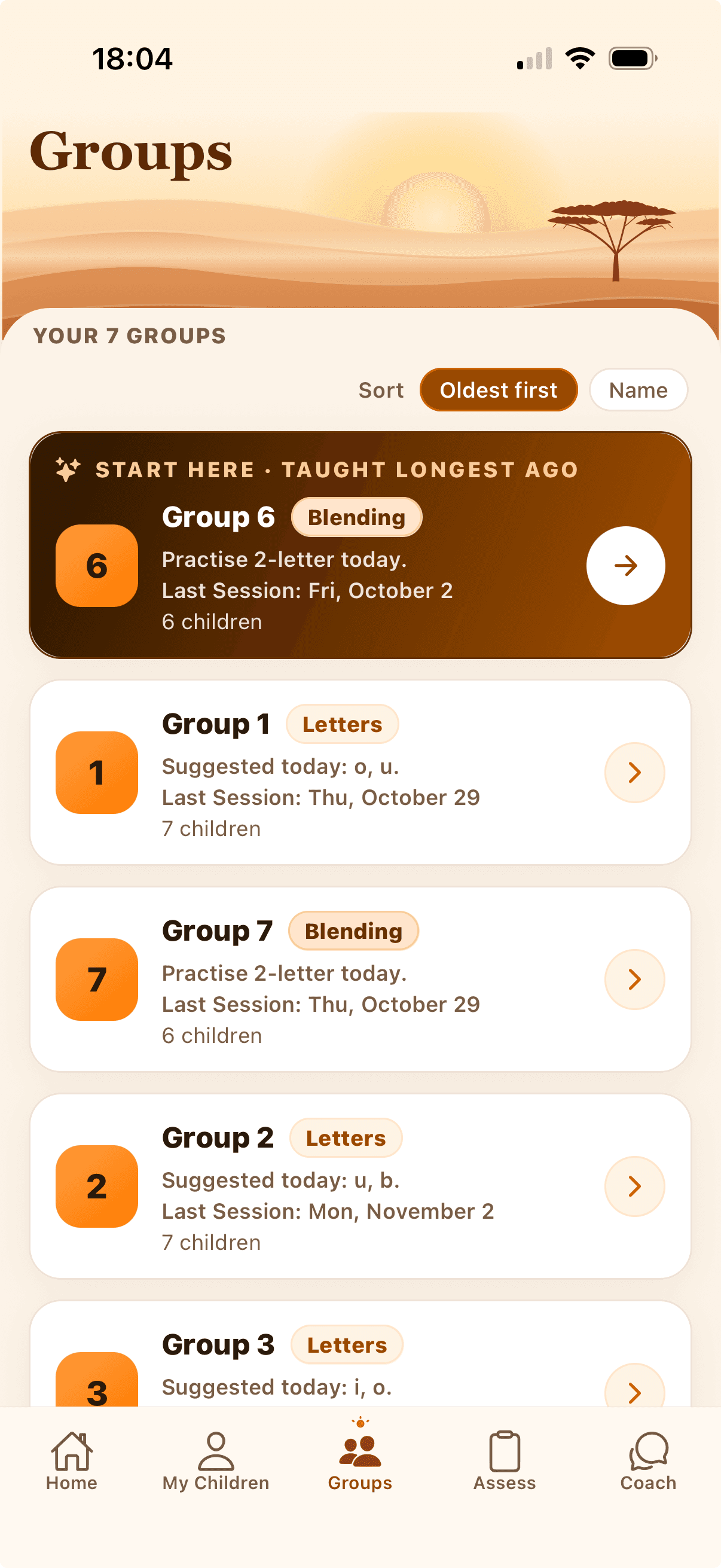
Which group first?
Groups are sorted by who was taught longest ago, and the app marks the one to start with. Nobody keeps a list in her head.
Data goes up. What comes back?
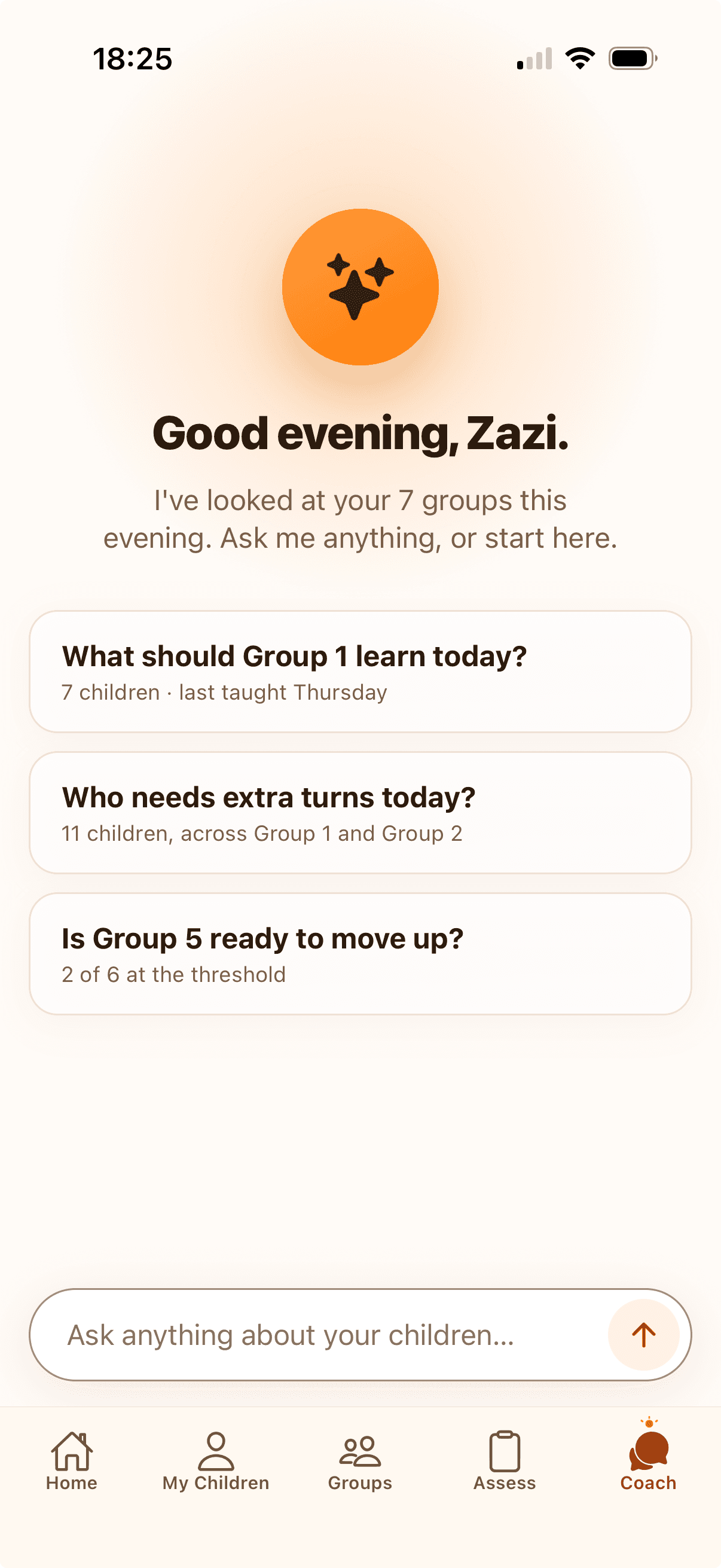
Most of the field apps our sector uses are forms. The EA fills one in, the record goes up to a server, and the office gets a dashboard. The classroom gets nothing back. Our app keeps each lesson and what each child knows, and turns them into answers to the questions an EA asks every day.
How do I group my class?
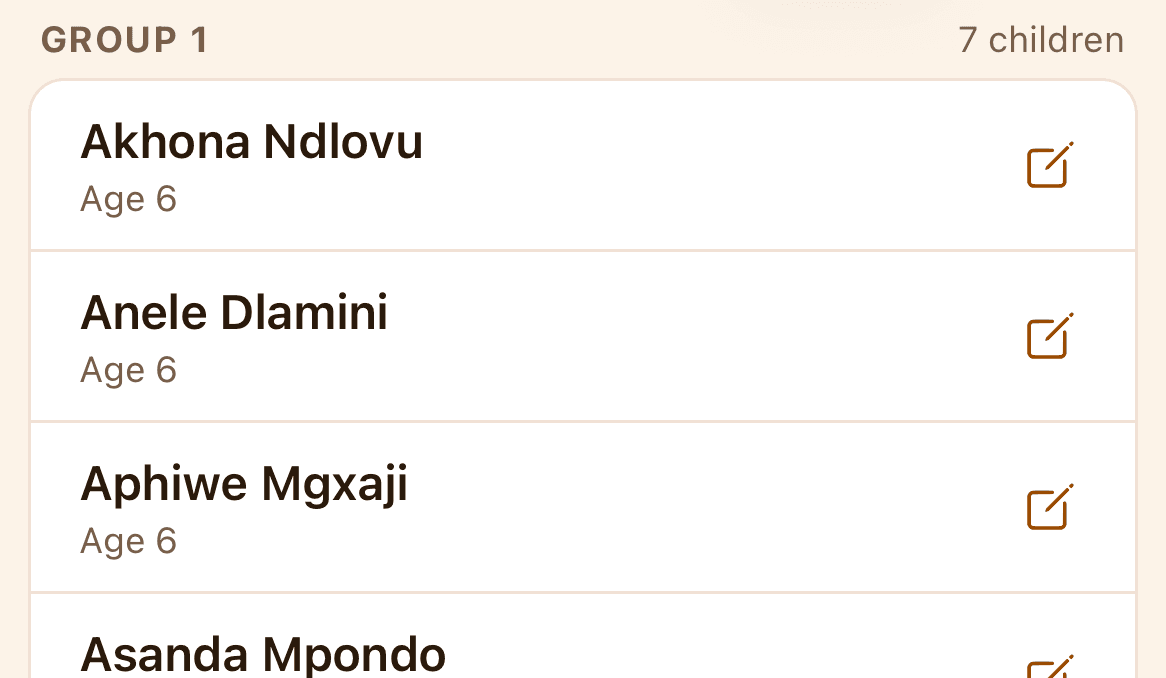
The app reads every child’s letter assessment, sorts the class by how many letters each child knows, and cuts it into small groups at the same level. Children who already know many letters start in blending groups. The EA checks the groups before saving them.
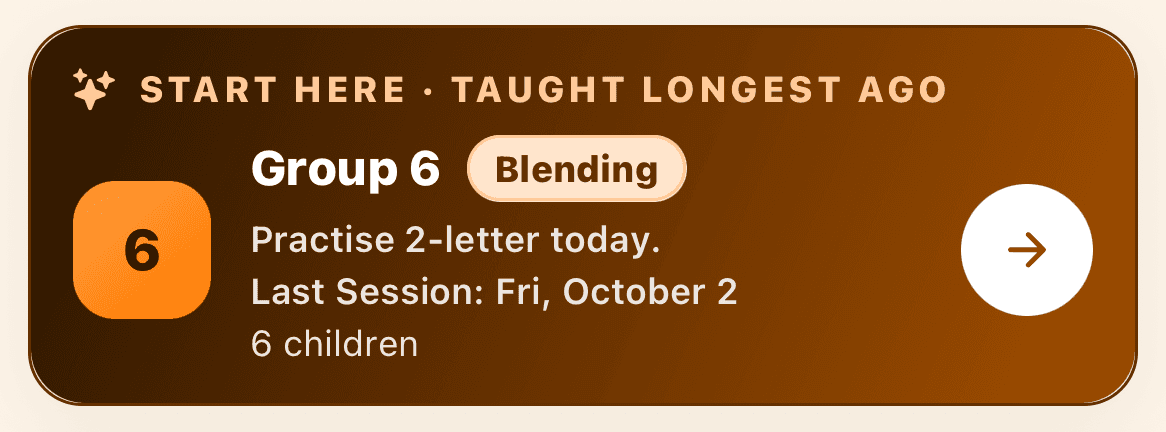
Which group do I take first?
The app reads the recent lessons and puts the group that has waited longest at the top, marked Start here. A letters group that is ready to start blending goes first.
What do I teach them today?
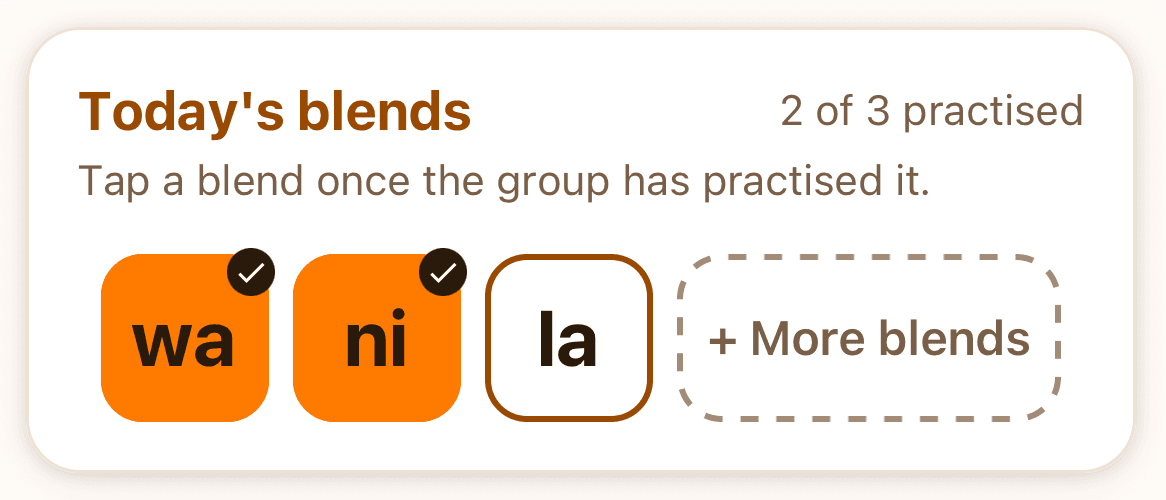
For a letters group, the next two letters in the teaching order that most of the group doesn’t know yet. For a blending group, three blends at the level most of the group is reading, skipping the ones practised in the last few lessons.
Who is ready to move up?
The app adds each child’s assessment to the letters the EA has ticked as known. Once a child knows their letters, the app moves them to the first level of blending and decoding words.

What goes up comes back as the next lesson.
All of it is worked out on the phone from three things the EA already records: each child’s assessment, the letters, blends and words ticked as known, and the lessons taught.
Real screens from a demo account. The children’s names are made up.
Every child taught at the right level
An Early Grade Reading Assessment (EGRA) shows which letters each child knows. The app groups children by level, about seven to a group, and gives each group its own lesson. That is Teaching at the Right Level, and the app is what makes it possible at scale: nobody has to work the groups out by hand.
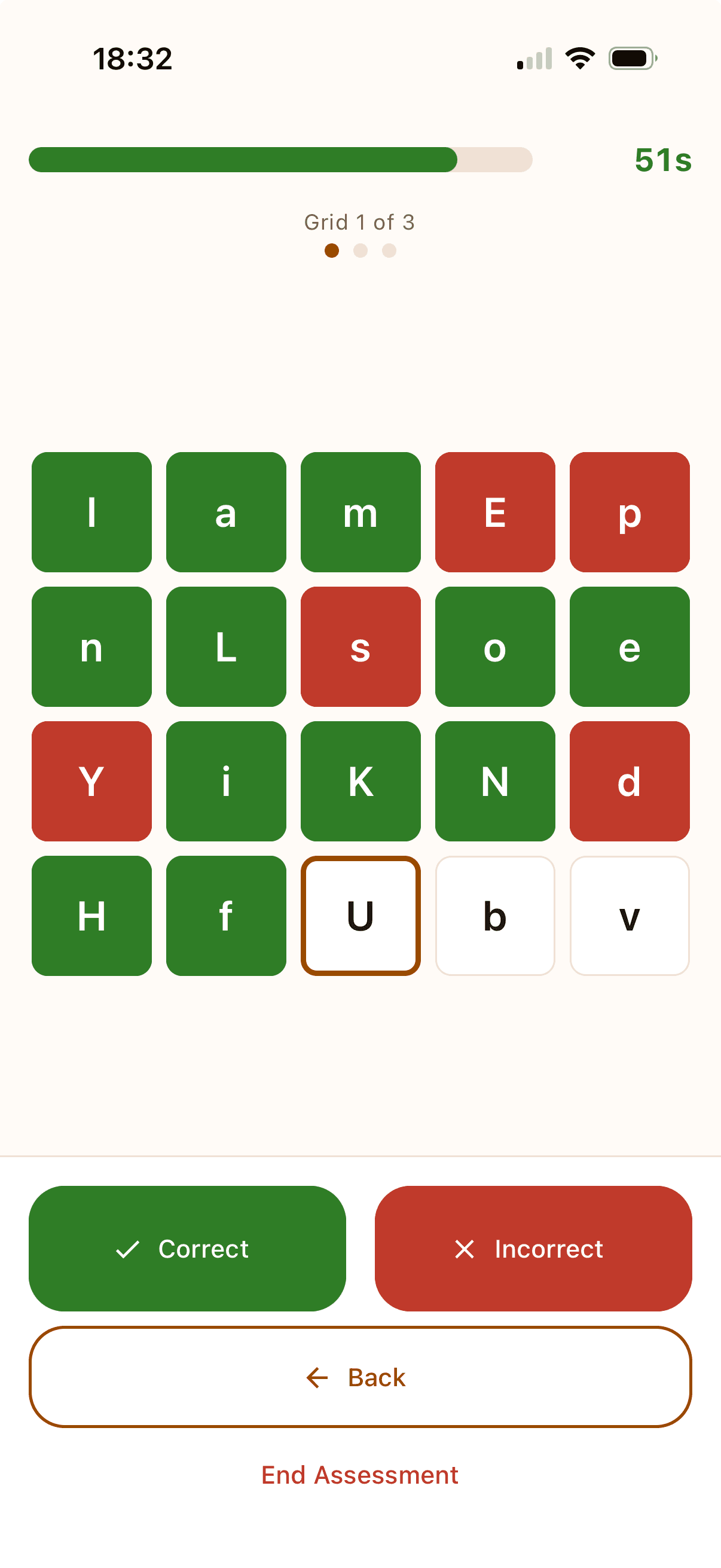
The EGRA letter assessment
Mark each letter as the child reads it. The phone keeps time.
The assessment mixes the order and upper and lower case on purpose, so a child reads each letter instead of reciting a sequence. Lessons follow the teaching order in the tiles.
Letters in the isiXhosa teaching order the app uses for classes started from 1 November 2026. English and Afrikaans classes have their own orders.
Then, from letters to reading
After mastering their letters, children learn to blend and decode. They build up those skills step by step until they are reading: short blends, then syllable blends, then words and sentences.
Letters
The 26 letters above
For example: m, a, k, u, l, eShort blends
In the app: 2- and 3-letter blends
For example: ma, ku, le, kumSyllable blends
In the app: 4-letter blends
For example: ma-ma, ku-leWords
In the app: word reading
For example: mama, kuleSentences
In the app: sentence, then paragraph reading
Examples from the app’s isiXhosa blending list. The app keeps each child on one of seven rungs, from not yet blending to paragraph reading. A child’s level is the highest rung they have mastered.
Every suggestion follows a rule you can read. None of them uses AI.
“Zazi iZandi means know the letter sound”
Battle-tested for South Africa
We spent a year building and testing the app with our own Education Assistants: on entry-level phones, with patchy connections, in the classrooms where they teach.
Works without a signal
Lessons and assessments save on the phone and send when the signal comes back.
Runs on an entry-level phone
Tested on a Samsung Galaxy A03s. Works on Android phones and iPhones.
Can teach in all 11 official written languages
Each language gets its own letter order and blending words, and adding one is quick for us to set up. The app’s screens are in English.
Set up today- isiXhosa
- English
- Afrikaans
Work with us
Want to partner with us, or try the app?
We are glad to show the app at work in a school, and to share what we have learned building it.
How a programme gets started
Step 1: Send us a note
Tell us about your programme and the Education Assistants who would use the app.
Step 2: Your administrators create accounts
One for each Education Assistant. There is no public sign-up.
Step 3: Education Assistants sign in
They download the app from the App Store or Google Play and sign in with the account they were given.
Each organisation sees only its own schools and Education Assistants.
Send us a note
It goes straight to our team, and one of us will reply.
Already an Education Assistant? Open the app, or get help.
Zazi iZandi
Built by AI5 Labs.
Apple and the Apple logo are trademarks of Apple Inc., registered in the U.S. and other countries. App Store is a service mark of Apple Inc. Google Play and the Google Play logo are trademarks of Google LLC.